The UltimateGoogle Docs EquationEditor
Transform natural language, sketches, and images into perfect mathematical equations for Google Docs™.
Why This is the Best Google Docs Equation Tool
Text to Equation Conversion
Convert natural language descriptions into beautiful math equations with our AI technology.
Image to Equation
Transform equation images from any source into editable math equations instantly.
Handwriting to Equation
Convert your handwritten mathematical equations into perfectly formatted equations.
Multi-Platform Integration
Use our converter with Google Docs, Microsoft Word, and other platforms for seamless workflow.
How to Insert Equations in Google Docs
Choose your preferred input method - type text, upload screenshots, take photos, or draw equations. Our AI transforms all input types into perfect equations.
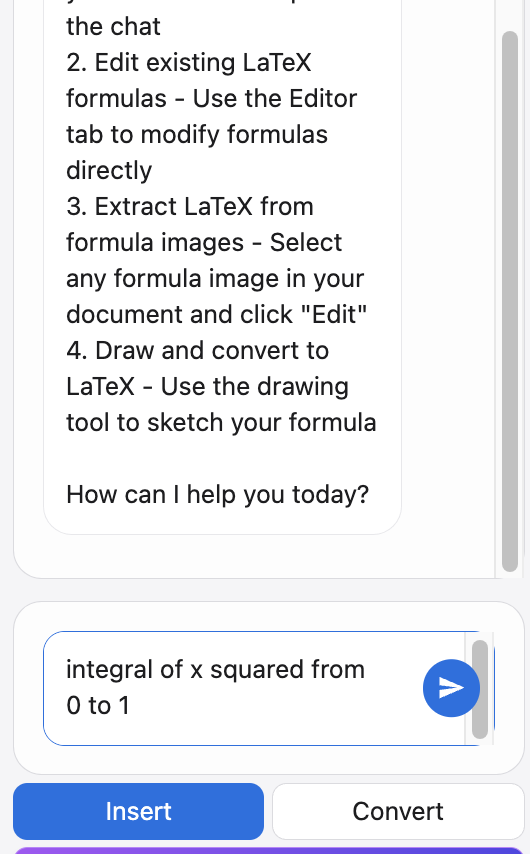
Natural Language to Equation
Type your equation in plain text - our AI understands your intent and converts text to math equations instantly.
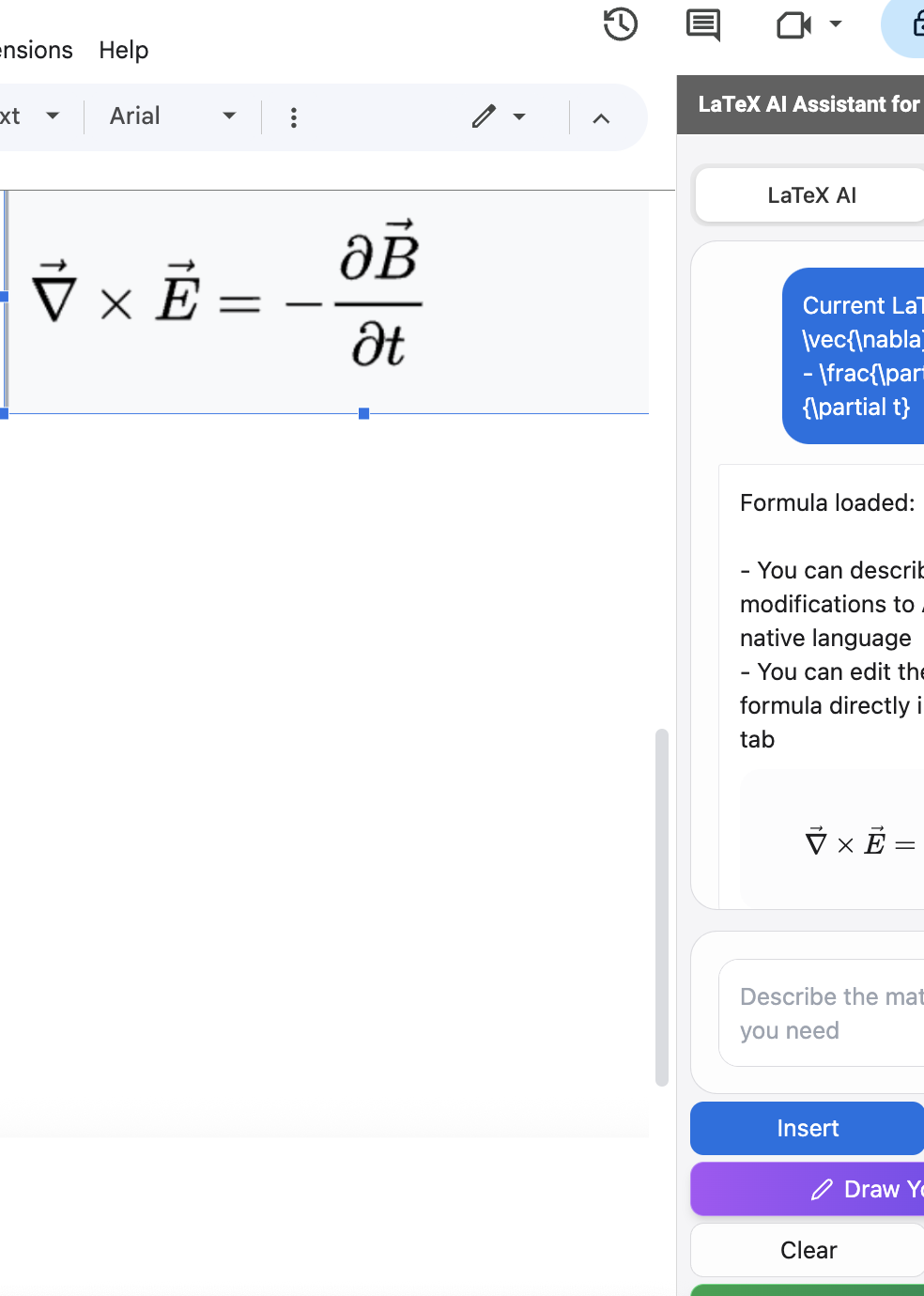
Image to Equation Conversion
Copy equation images to convert them to equations - our system automatically extracts and transforms them.
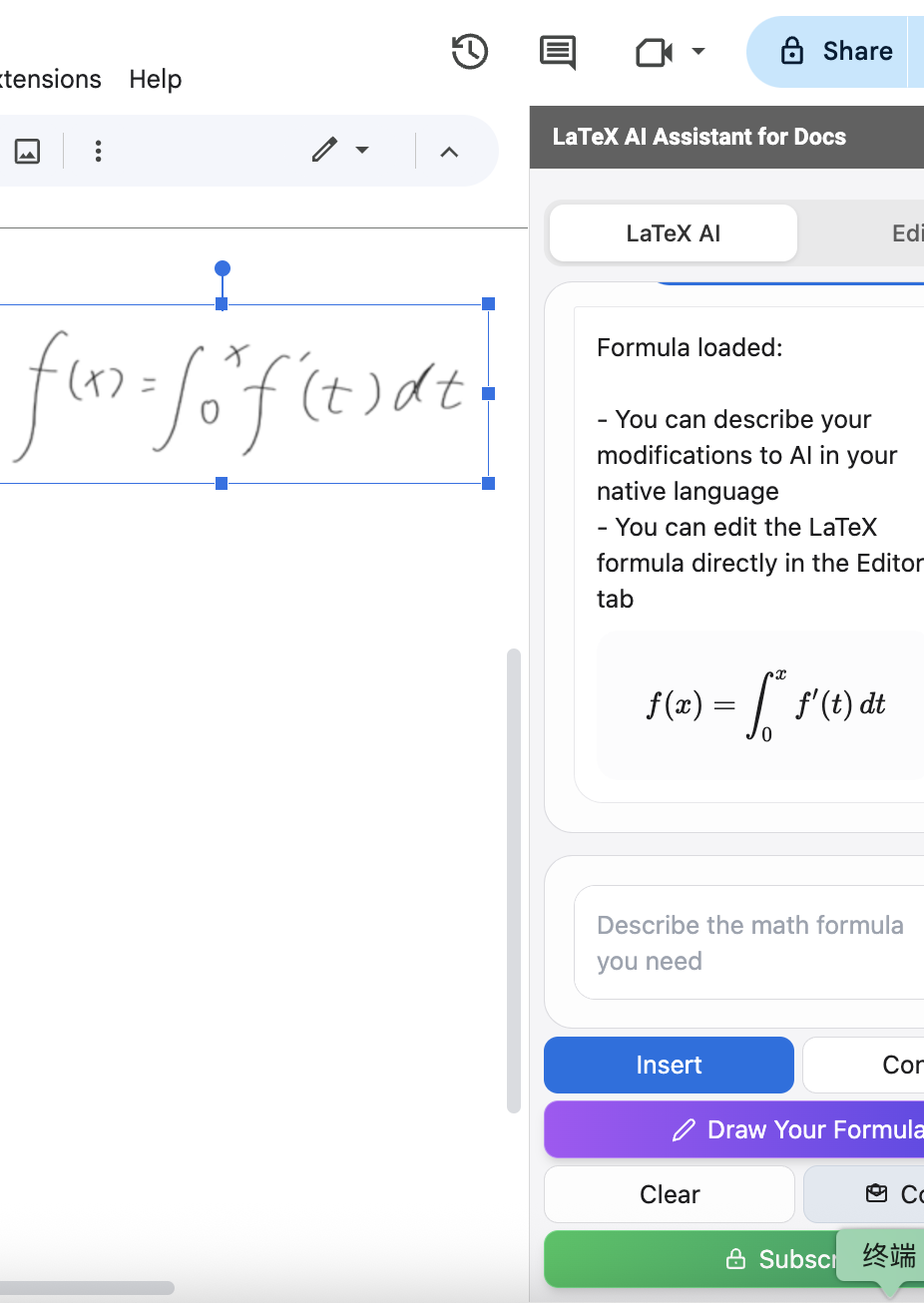
Photo to Equation Magic
Take photos of equations from books or notes - our converter recognizes and transforms written math.
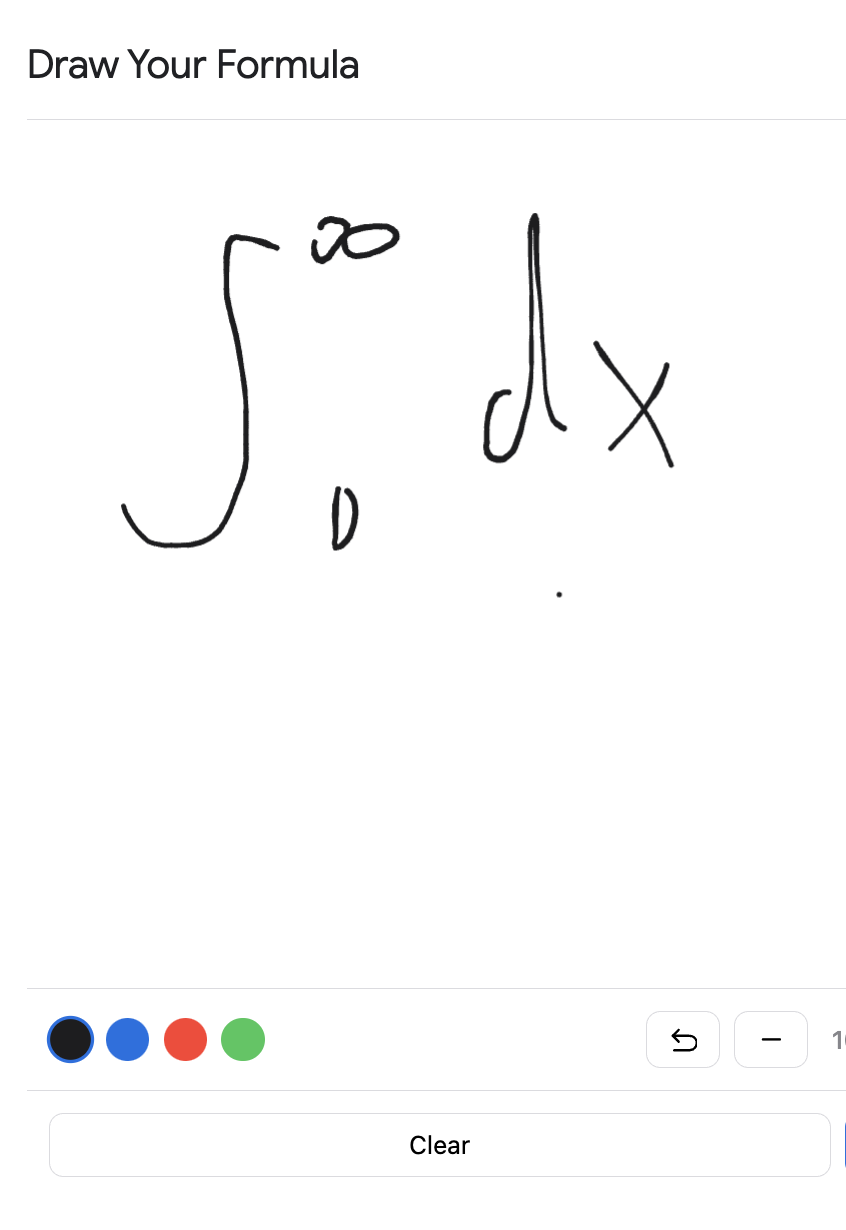
Handwriting Recognition
Draw equations directly in our converter - real-time recognition transforms your handwriting into perfect equations instantly.
Simple Steps to Perfection
After choosing your input method, follow these steps to create and insert your equations.
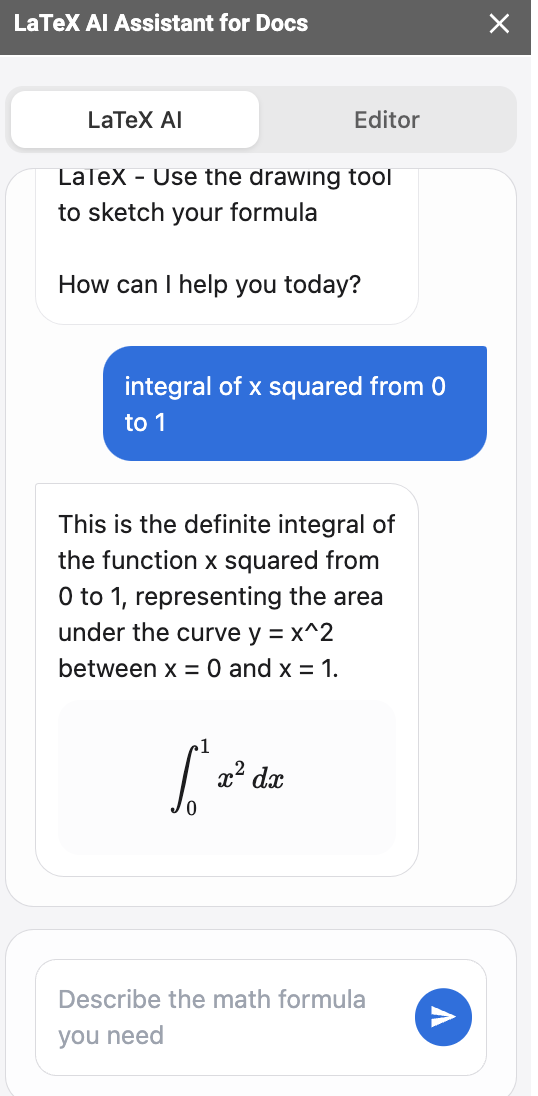
AI Generation
Watch as our AI instantly transforms your input into precise equations with real-time preview.
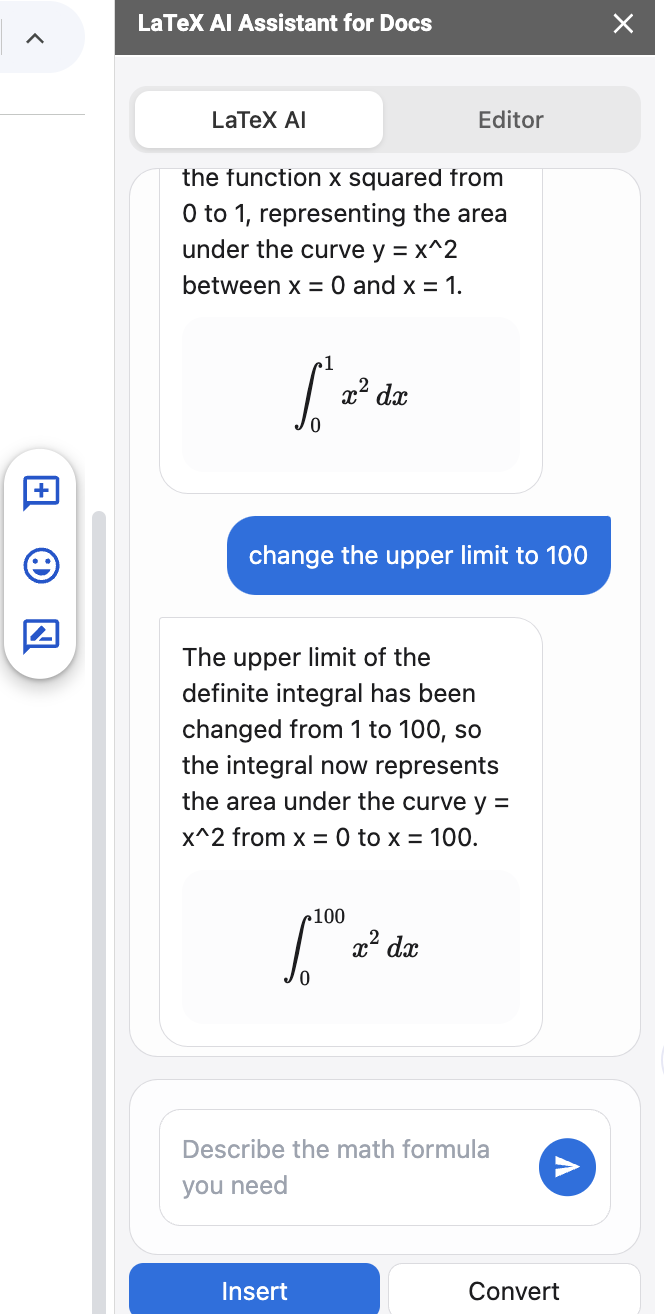
Refine Equations
Use text commands to instruct our AI to adjust your equation as needed.
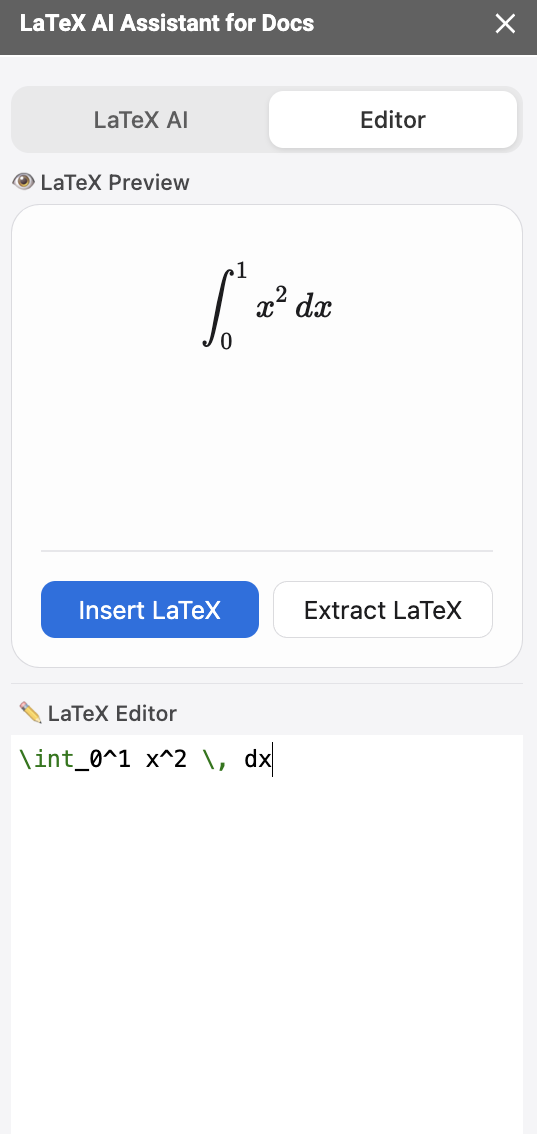
Professional Editor
Directly modify your conversion in our professional editor with syntax highlighting.
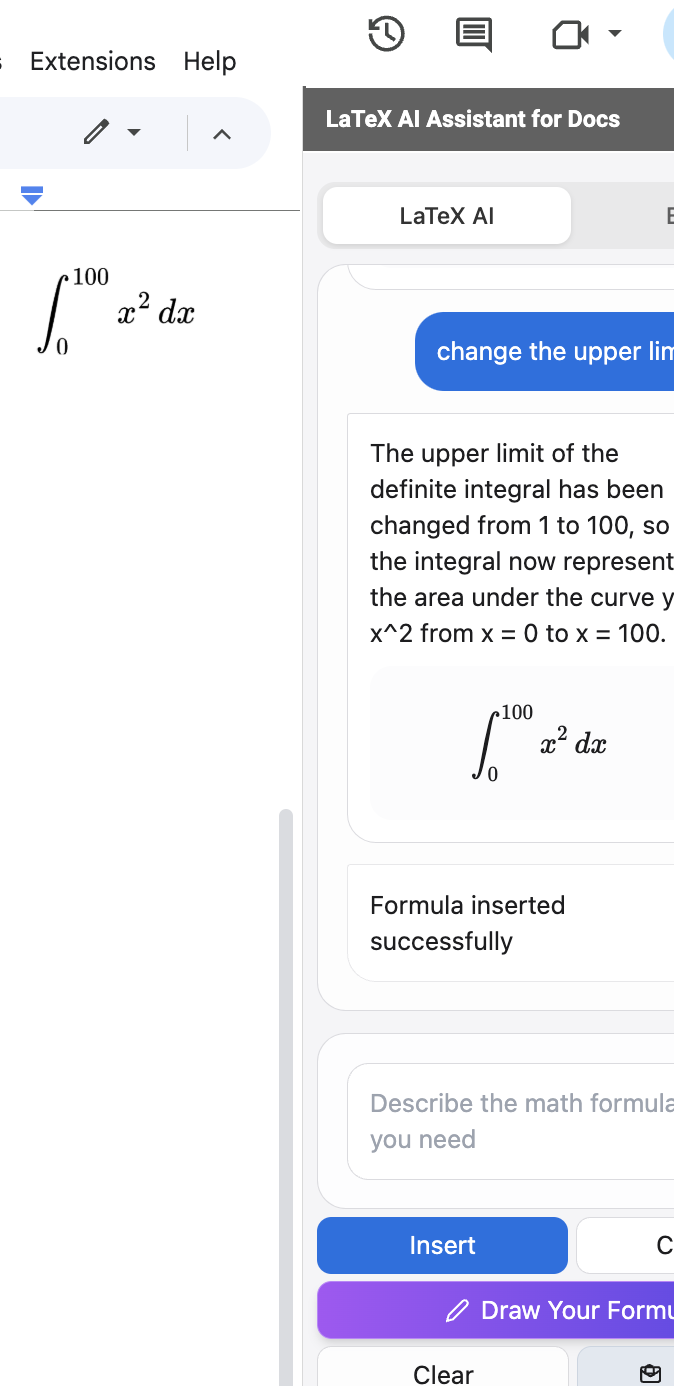
Insert Anywhere
Preview your perfect conversion and insert it into Google Docs or other platforms.
Text to Math Equation FAQ
How does the converter work?
Our text to equation converter uses advanced AI to transform plain text descriptions into math equations. Simply type your mathematical expressions in natural language, and our technology will instantly generate the corresponding equation code.
What types of text can I convert?
Our converter can handle a wide range of mathematical expressions described in plain text, including basic arithmetic, algebra, calculus, matrices, and more. It supports technical terminology in multiple languages.
Can I convert images to equations?
Yes! You can upload or paste any image containing mathematical equations, and our AI will automatically detect and convert these equations into editable math equations. This works with both printed and handwritten equations.
How does handwriting works?
You can either upload photos of handwritten equations or draw them directly in our converter. Our AI recognizes and converts your handwriting into perfect math equations in real-time.
Is it free to use?
Yes, our basic standard conversion features are completely free. Premium features with advanced capabilities are available for power users who need high-volume processing.
How accurate is the AI?
Our AI is trained on millions of mathematical expressions and typically generates highly accurate equations. You can always verify and edit the output using our realtime preview tool.
Can I edit equations after conversion?
Absolutely! After conversion, you can modify any equation using either text commands or direct equation editing in our professional editor.
Does it work offline?
The AI conversion requires an internet connection. However, once inserted into your document, equations remain visible and editable offline.
Which languages are supported?
Our AI understands mathematical descriptions in most major languages including English, Chinese, Japanese, Korean, Spanish, French, German, and many more.
How do I handle complex equations?
For complex equations, you can describe them in parts, use the handwriting tool, or start with text generation and refine using the editor.
Do I need LaTeX knowledge?
No! Our tool is designed for everyone. However, if you know LaTeX, you can take full advantage of our professional editor for fine-tuning.
Can I batch convert equations?
Yes, you can input multiple equations via text or images, and the system will process them individually for you to review and insert.
Ready to Convert Text to Equation?
Join thousands of students and researchers transforming their math workflow instantly.
Try Text to Equation Now→